
Amazon is forcing a major rewrite of product titles through the new Amazon product title rule taking effect on July 27, 2026. Sellers who wait until the deadline may find that Amazon’s AI handles the changes for them. If your listings currently exceed this limit, this update represents much more than a simple formatting requirement. It will directly impact your search indexing, click-through rate, conversion rates, and overall sales performance.
For brand owners with large catalogs, this initiative is an extensive operations project rather than a quick copy edit. The smart move is to shorten your titles with clear purpose, relocate essential supporting details into your item highlights, and review every AI recommendation before it goes live on the marketplace.
The change looks simple on paper. The execution is where most sellers will win or lose.
Key Takeaways
- New Character Limits: Starting July 27, 2026, all product titles (excluding media) must be 75 characters or less to ensure optimal readability, especially on mobile devices.
- Strategic Information Redistribution: Sellers should move secondary product details, benefits, and specifications out of the title and into the new 125-character Item Highlights field to keep the brand identity and core product type front and center.
- Maintain Control Over Automation: Amazon will use AI to auto-update non-compliant titles; brands should manually curate their listings to prevent AI from stripping away high-converting keywords or damaging search visibility.
- Prioritize High-Volume Listings: Manage this transition by auditing and updating your hero ASINs first, using a controlled batch-update process rather than broad, unmonitored changes.
Amazon’s 75-character product title rule starts July 27, 2026
New Amazon product title requirements mandate that titles in all categories, excluding media, must be 75 characters or less, including spaces, starting July 27, 2026. Along with this change, Amazon is introducing an Item Highlights field, providing up to 125 characters for supporting product information. Amazon has confirmed that these highlights will be both searchable and visible in search results and on product detail pages.
The stated reason for this shift is clear. Product titles are often the first element shoppers encounter, and with mobile shopping continuing to grow, shorter titles are easier to read on smaller screens. Amazon aims to create a consistent naming structure across all categories. You can review the official details in the Amazon Seller Central forum announcement regarding the July 27 title update.
Current titles remain valid until the deadline. After that, non-compliant titles may be updated gradually through the use of AI-generated recommendations. While listings are expected to stay active throughout this process, this transition creates a control issue for sellers. If Amazon rewrites a top-selling ASIN before your team has the opportunity to review it, you risk losing a title that was effectively driving search visibility and conversion.
Amazon will offer a 14-day review window before specific AI-generated title and Item Highlights changes are finalized. For smaller catalogs, this may be manageable, but for sellers managing hundreds or thousands of ASINs and parent-child variations, this timeframe can pass quickly.
If you sell at scale, check Amazon Seller Central now. Under Manage All Inventory, you may see recommendations via the Enhance Listings tool or the View enhancements link inside individual listings. Waiting until late July is a risky strategy, as it may leave you with a significant amount of work to address on a tight schedule.
Why this update changes more than formatting
For years, Amazon sellers treated the title field like prime real estate for keyword volume. A typical title stacked brand, product type, main keyword, secondary keyword, size, color, material, quantity, compatibility, use case, and benefit into one long string. Many titles read more like a search query than a product name.
That approach worked because Amazon SEO strategies rewarded massive relevance signals, and long titles often carried a large share of a listing’s indexing power. Tools such as Helium 10 and Data Dive reinforced that habit by scoring how thoroughly a title included target terms. If a title had room, sellers used it.
Now Amazon is pushing sellers in a different direction with a mobile-first strategy. Fred McKinnon said client account data already shows roughly 60% to 70% of purchases coming through mobile devices. That matters because mobile changes how titles perform in the real world.
A long title creates three problems at once:
- It gets cut off earlier on mobile, so shoppers may miss the main product identity.
- It can hurt your click-through rate because the title looks crowded or hard to scan.
- It makes the title act like a keyword bin instead of clean packaging for the product.
That last point is easy to overlook. A title is no longer only an indexing field. It is also the first impression in search results, and soon it will be read more often by AI shopping assistants as well. Clean structure helps both humans and machines understand what you sell.
This is why the update has more weight than a copy cleanup. When titles change, sellers should expect possible movement in search visibility, rankings, impressions, click-through rate, and conversion rates. If the rewrite is handled poorly, sales can move the wrong way.
How to use item highlights without losing important context
Amazon is not removing important information from listings. Instead, it is asking sellers to distribute that information more intentionally. While the legacy 200 characters limit allowed for “keyword stuffing,” the new 75 characters limit forces a cleaner approach. Supporting detail can still live in item highlights, bullet points, images, A+ content, and backend search terms.
That structure looks like this:
| Listing field | Character limit | Best use | | | | | | Title | 75 characters | Brand name, core product type, size, and the clearest differentiator | | Item highlights | 125 characters | Benefits, materials, use case, and comparison-friendly details | | Bullets and other PDP content | Varies by field | Deeper explanation, feature detail, objections, and conversion support |
The main takeaway is simple: the title should identify the product fast, while item highlights should carry the extra detail that used to clog the title. By removing special characters and unnecessary word repetition, you can maximize the limited space available.
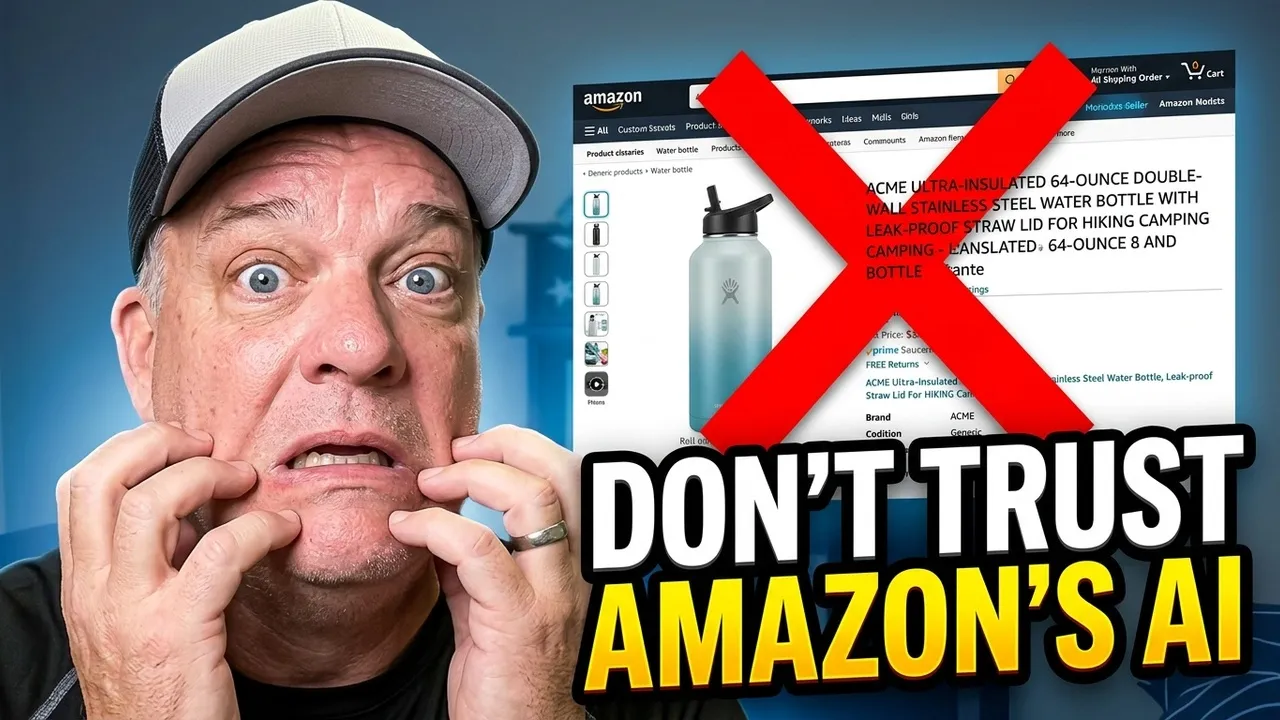
A practical example makes this easier to see. Consider a legacy title like: “Acme stainless steel insulated water bottle, 32 oz leak proof sports bottle with straw lid, BPA free double wall vacuum bottle for gym, hiking, travel, blue.” That style was common because it squeezed every keyword in at once.
Under the new rules, a cleaner title should lead with the brand name: “Acme 32 oz stainless steel insulated water bottle.” This version keeps the brand, size, material, and core product type. It does not try to carry every feature at once.
Then, the item highlights can take over the supporting message: “Leak-proof straw lid, BPA-free design, double-wall insulation for gym, hiking, travel, and daily hydration.” This section is now the ideal place to showcase your unique selling proposition while maintaining highly relevant and searchable content.
Amazon is not removing information. It is asking sellers to place it more intentionally.
This is also where seller judgment matters. Some details belong in the title because they define the product. Others belong in item highlights because they help shoppers compare options. Still others belong in bullets because they need more context. Color, for example, may not deserve space in every title if variation swatches and images already handle that job.
If you sold on eBay years ago, this split may feel familiar. The title stays tight, while extra persuasive detail moves elsewhere. On Amazon, that elsewhere is now the updated item highlights field.
Why Amazon’s AI title generator isn’t enough
Amazon’s built-in AI tools may help with compliance, but compliance is not the same thing as strategy. A machine can shorten a title to 75 characters and still damage how the listing performs.
McKinnon noted that the AI recommendations he reviewed in client accounts were poor. In many cases, the system appeared to chop content without much thought to product positioning, keyword value, or buyer intent. That matters because these automated tools do not know your catalog the way your team does.
They do not know which phrases have historically driven sales. They do not know which attribute is generic and which one is the actual reason customers pick your product over a close competitor. They also do not know your brand voice, your packaging language, or the way a parent-child structure changes what the shopper needs to see first.
Amazon’s own seller communication gives more context in its product title update Q&A thread. The review window helps, but it does not remove the workload.
For large brands, the best approach is a controlled review workflow:
- Start with the ASINs that drive the most revenue and traffic. Hero products deserve attention first.
- Compare the AI suggestion against current performance, especially impressions, organic rank, click-through rate, and conversion.
- Brand owners must prioritize manual keyword research over automated suggestions to ensure that the new, shorter titles fit the new limits without stripping out the product’s strongest selling points.
Do not let Amazon’s AI make strategic decisions for hero ASINs without review.
A smaller seller may get away with spot-checking a few listings. An established brand cannot. The risk grows with every variation family, every high-volume search term, and every listing whose long title is carrying old SEO habits into a new rule set.
A practical workflow for updating hundreds or thousands of ASINs
The cleanest way to handle this across a large catalog is to start with the Category Listing Report. If you already use it as a monthly backup, you are ahead, but if you do not have access, you may need to request it through Manage Inventory in Amazon Seller Central. That report gives you a working file of your entire catalog, which makes bulk review far easier than editing one listing at a time inside the dashboard.
Once you have the file, sort the catalog by revenue, sessions, or other business priorities. That step keeps your team from spending the same amount of energy on a slow-moving SKU and a hero ASIN. A product that sells twice a month does not deserve the same urgency as a listing that produces six figures a year.

From there, many sellers will get better first drafts from Claude, ChatGPT, or another LLM than from Amazon’s built-in suggestions. The process McKinnon recommended is straightforward: upload the report, ask the AI to analyze the existing title, bullet points, and description, then generate a revised title that stays under 75 characters and item highlights that stay under 125 characters. The AI can place those drafts in new spreadsheet columns for your review.
That does not mean you should upload everything back to Amazon in one pass. Mass-updating an entire catalog at once creates a measurement problem. If traffic or conversion moves, you will not know which specific change caused it. In addition, Amazon is known for announcing deadlines that roll out slowly or unevenly, so there is no upside in over-correcting a whole catalog before you have clear data.
Following best practices for this transition, work in batches. Review the new title architecture for each product family, approve the highest-value listings first, and document every edit. McKinnon’s team tracks the changed attribute, the BSR at the time of the edit, and then watches impressions, click-through rate, conversion, and other after-effects. Consistently monitoring these metrics is essential for maintaining listing quality across a large catalog. That kind of recordkeeping turns this project from guesswork into controlled testing, especially when you are back in Manage Inventory to apply the finalized changes.
If your internal team is stretched thin, outside help can make this manageable. Brands that need hands-on support with listing changes, monitoring, and rollout planning can look at eComCatalyst agency services.
What professional operators will watch after each change
The rewrite itself is only half the job. The second half starts after the change goes live.
Title edits can change how often your listing appears, how often shoppers click, and how well the product converts after the click. Because of that, every major update deserves a before and after review. Watch impressions first. If they fall, your keyword density may have shifted, suggesting you have lost important indexing terms. Then check your click through rate. A cleaner title should improve readability, but a weak rewrite can make the product less appealing in search results.
Conversion rate matters just as much. A title that looks cleaner but removes the product’s strongest benefit may attract clicks while losing sales. Meanwhile, mobile should be part of your review. Titles that look fine on desktop can still read poorly on a phone, especially inside crowded search results.
Item highlights also deserve attention. Because these fields provide searchable content that appears alongside titles in search results and on product detail pages, they should carry meaningful buyer facing information. If these fields are filled with generic filler, the listing loses a chance to communicate what matters most.
There is also a longer term issue. Amazon is building for AI assisted shopping, including Alexa and other large language model interfaces. Cleaner titles and structured data help those systems identify the product, leading to improved search visibility when buyers use conversational search.
The difference between experienced operators and reactive sellers shows up here. Reactive sellers wait for Amazon to push changes, then scramble. Operators review the catalog early, set priorities, document edits, and monitor performance after each batch. That approach protects revenue and keeps listing control in the hands of the brand.
Frequently Asked Questions
What happens if my product titles are not updated by the July 27, 2026 deadline?
Amazon may use AI-generated recommendations to rewrite your titles for you. This poses a risk to your SEO, as the automated changes may not accurately reflect your product’s unique value proposition or most effective keywords.
What are ‘Item Highlights’ and how should they be used?
Item Highlights is a new field providing 125 characters for supporting information that no longer fits in your shortened 75-character title. You should use this space for benefits, material details, and usage scenarios to help shoppers compare your product effectively.
How should I approach updating a large product catalog?
Do not attempt to update everything at once. Use a Category Listing Report to prioritize your best-selling SKUs, create drafts using your own keyword research, and update in smaller batches while monitoring performance metrics like click-through and conversion rates.
Will shortening my title hurt my SEO ranking?
While titles were historically used as a primary location for keyword density, Amazon is moving toward a mobile-first, cleaner structure. By properly distributing keywords into Item Highlights, bullet points, and backend search terms, you can maintain or even improve your search performance while staying compliant.
Final thoughts
The sellers who navigate this transition successfully will not be the ones who shorten titles the fastest. Instead, they will be the ones who maintain control of their brand messaging while Amazon changes the format.
The new Amazon product title rule is only the visible part of a larger shift. The true objective is to improve listing quality by distributing product information effectively across titles, item highlights, and the rest of the product detail page. Sellers who review their catalog carefully, update in batches, and monitor performance will gain a clearer understanding of what drives conversions.
If you let Amazon generate your titles automatically, you start from a position of cleanup. If you rewrite them on your own terms, you keep your catalog working for both shoppers and search algorithms. Take a proactive approach now to ensure your brand messaging remains consistent and authoritative across your entire inventory.