
Amazon Buy Box suppression can cut sales fast, even when your price is correct everywhere you sell. In 2026, many brand owners are losing the Featured Offer because Amazon is still reading an old external price and treating the listing as non-competitive.
When that happens, ads can stop delivering, conversion rates fall, and shoppers have to work through extra clicks to buy from you. The fix is often not a lower price. The real task is showing Amazon that its competitive price data is outdated.
This process starts with the right diagnosis, then moves into the support flow that gives Amazon the terms and evidence it needs.
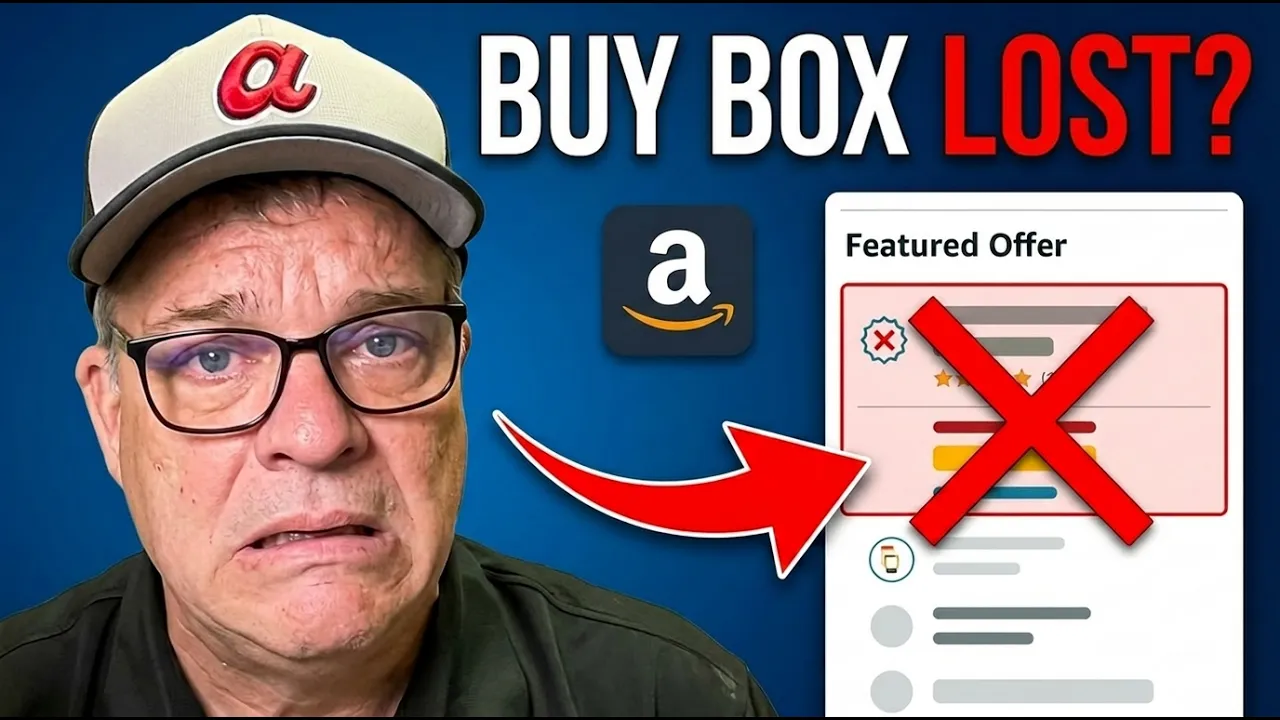
What Amazon Buy Box suppression looks like when the Featured Offer disappears
Most sellers still call it the Buy Box, but Amazon labels it the Featured Offer. It is the default offer on the product page, the one tied to the main price and the easiest path to purchase. When that box disappears, your product is still live, but it becomes harder to buy.
Instead of seeing a standard purchase option, shoppers may have to click “See All Buying Options” and hunt for your offer. That extra friction matters because fewer people complete the purchase, and your paid traffic becomes less efficient.
A quick diagnostic table makes the pattern easier to spot:
| What you see | What it usually means |
|---|---|
| No Featured Offer on the listing | Amazon has suppressed the Buy Box |
| “See All Buying Options” becomes the main path | Customers face more friction before purchase |
| Ads stop or weaken | Amazon may no longer treat the offer as eligible |
| Conversion rate drops | Buyers abandon the extra steps |
The business impact is immediate. Visibility falls, conversion weakens, and revenue drops even though inventory may be available and your listing may otherwise be healthy.

How to tell the problem is competitive price suppression
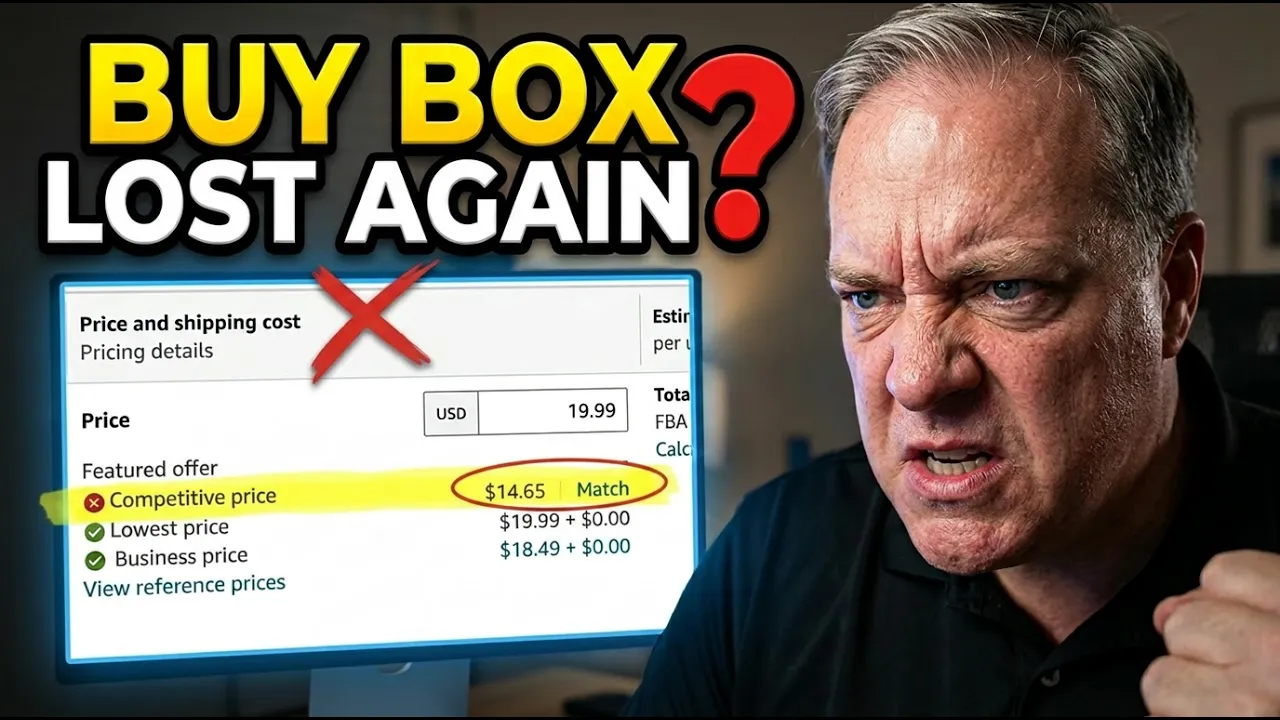
Inside Seller Central, check the status indicators for the affected SKU or variation. A competitive-pricing case often shows a red X next to Competitive Price and no green check next to Featured Offer. Amazon may also show a lower external price and offer a “match” action that would reduce your current price.
That pattern is different from other Buy Box problems. Broader summaries of why Amazon suppresses the Buy Box include seller metrics, inventory issues, and listing quality problems. Because several causes can produce the same visible result, the Competitive Price field is the clue that matters here.
Why outdated external pricing can trigger the issue
This problem often starts after a valid price increase. Shipping costs go up, channel fees change, or margin pressure forces a brand-wide update across Amazon, Walmart, eBay, TikTok Shop, Shopify, and a direct-to-consumer site. Yet Amazon may continue referencing the old price for days after the change.
In that case, Amazon is not reacting to a live undercut. It is reacting to stale data. Similar complaints appear in an Amazon Seller Forums discussion on competitive external price suppression, where sellers describe outdated prices continuing to trigger suppression.
If Amazon is citing an old external price, matching it may restore the Featured Offer, but it can also cut margin for no valid reason.
The Seller Central clues that confirm Amazon is using the wrong price
Before opening a case, confirm that Amazon is showing the wrong competitive price rather than a different eligibility problem. That distinction matters because the wrong response can reduce your price and still leave the listing suppressed.
What to look for in Featured Offer eligibility
Once you start the support flow, the right path usually appears when Amazon asks you to “Check Featured Offer availability.” That prompt means the case has reached the correct issue type.
After that, Amazon may ask for the ASIN, your ZIP code, whether you are checking from a Prime shopper view, and which offer or SKU should be reviewed. Those prompts are useful because they show Amazon is evaluating Featured Offer eligibility, not sending you into a generic pricing queue.
Why the competitive price field matters more than a simple price change
The displayed competitive price is the trigger. If Amazon says the external competitive price is $29.95 while your current valid price is $32.95, the system may suppress the Featured Offer even if every other channel already shows $32.95.
That is why a simple listing price change on Amazon does not solve the root problem. You must dispute the outdated external reference itself and ask Amazon to refresh the competitive price it is using.
How to open a support case Amazon can route correctly
Go to Help, then Get help and resources, and choose “My issue is not listed” rather than a preset option. That step matters because Amazon appears to analyze the written description, rewrite it with automation, and route the case based on the terms it recognizes.

Photo by AS Photography
Use the trigger words Amazon needs to see
Use Amazon’s own language in the first message. “Featured Offer,” “Buy Box,” “suppression,” “competitive price,” and “competitive external price” should appear naturally in the case description. Also state that Amazon is showing an old price and that the outdated competitive price is suppressing the offer.
Those terms help Amazon’s system classify the issue correctly. When the case is routed to the wrong area, resolution slows down or the request gets dismissed with a generic pricing response.
Include the proof Amazon will not gather for you
A short case should still carry evidence. Include the details Amazon needs to verify the problem without hunting for them:
- The reason the price changed, such as higher USPS or shipping costs.
- The affected ASIN and SKU.
- A statement that you are the registered brand owner, if that is true.
- Confirmation that you control pricing across channels and do not distribute the item to unrelated resellers, if that is true.
- Direct product links to Shopify, Walmart, eBay, or other live listings that show the current price.
If the product has variants, link to the exact variant page, not only the parent page. That makes price verification easier. If an agency or consultant handles Seller Central for your brand, how to grant account access via SP Central explains Amazon’s current partner-authorization flow.
Tell Amazon what you’ve already checked and how long you waited
State that you verified pricing across all active channels and already waited 48 to 72 hours. That line helps block the standard response that tells you to wait for pricing to refresh.
Use the real time frame. If 72 hours have passed and Amazon still shows the old competitive price, say so plainly.
What happens after you submit the case
A well-built case often moves through a short review path. After Amazon rewrites your description, you may see prompts that confirm the system understands the issue.
- Enter the ASIN when Amazon asks you to check Featured Offer availability.
- Confirm the shopper context, such as ZIP code, Prime view, or the matching offer.
- Answer “yes” if Amazon asks whether the external competitive price has changed.
- Answer “yes” again if Amazon asks whether you want Amazon to re-check it, then create the case.
Amazon usually allows one request per ASIN every 24 hours, so the first submission should be complete. When the evidence is clear and the external price really is wrong, the response can be fast. In one recent batch, 10 of 12 affected ASINs regained eligibility within an hour. Email updates and monitoring tools such as Helium 10 can confirm when the Featured Offer returns.
Getting the Featured Offer back
Amazon Buy Box suppression tied to competitive pricing is often a data problem, not a true market problem. If Amazon is reading an old external price, cutting your own price may fix the symptom while hurting margin.
The better response is disciplined and fast. Confirm that competitive pricing is the cause, use Amazon’s own terms in the case, and support the dispute with live pricing evidence from your other channels.
When the Featured Offer disappears after a multi-channel price update, strong wording and clean proof usually matter more than another price cut.
Checkout our video above for all the details.